Deposit and withdraw
Your trading account is your balance on the exchange. Trades, fees and exercises happen inside it; money only moves to or from your wallet when you deposit or withdraw. Both live behind MANAGE, at the top of the desk.
Deposit
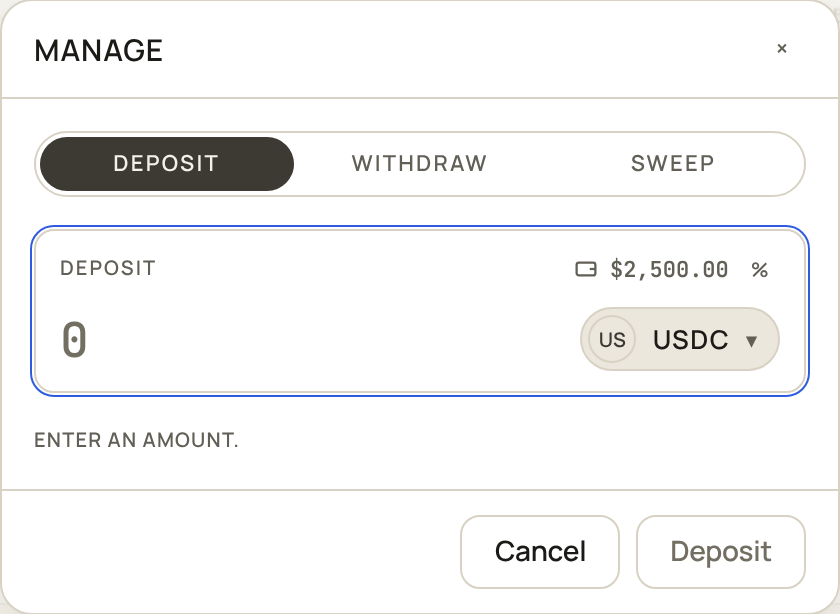
Choose DEPOSIT, pick the token, type an amount and sign. Your first deposit also opens your trading account, in the same signature; that holds a small SOL rent deposit, which comes back if you ever close the account.
You can also skip this step. If your account is short when you buy, the confirm takes what it needs from your wallet in the same signature and says so (FUNDS <x> FROM WALLET).
Withdraw
Choose WITHDRAW, pick the token and type an amount up to your available balance.
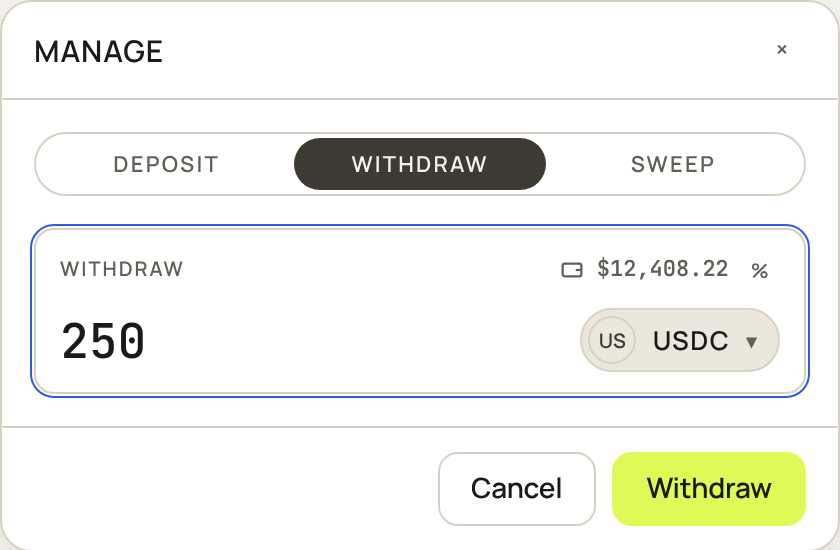
Collateral behind options you wrote is not available until those options are closed or have decayed; see Assignment and payouts.
Some tokens charge a fee on every transfer. On those, the desk shows what arrives before you sign.
Sweep small balances
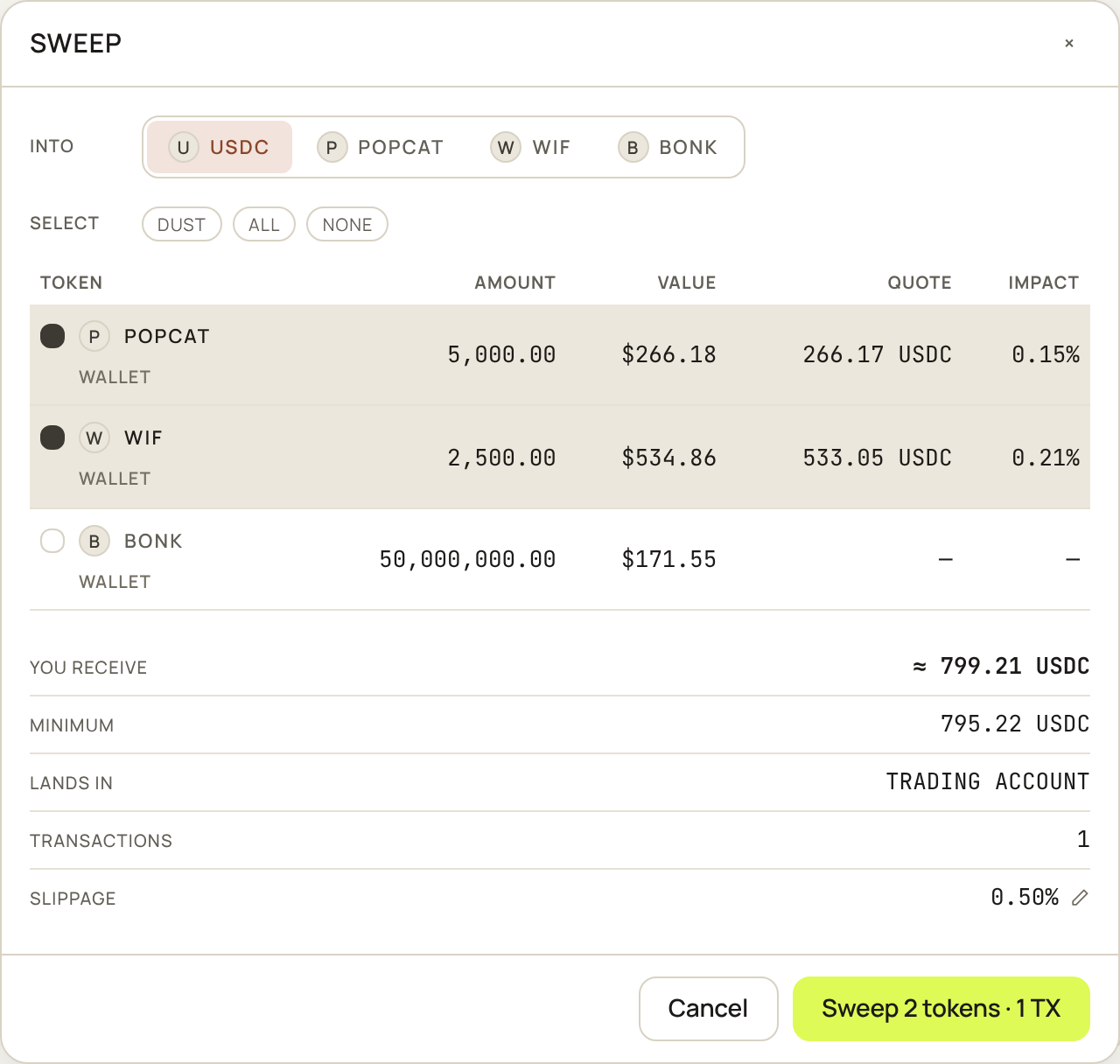
SWEEP sells several small balances into one token at once. Pick the token to sweep into and the balances to sell, and the desk quotes each one and the total. What comes back lands in your trading account.
Check your balances
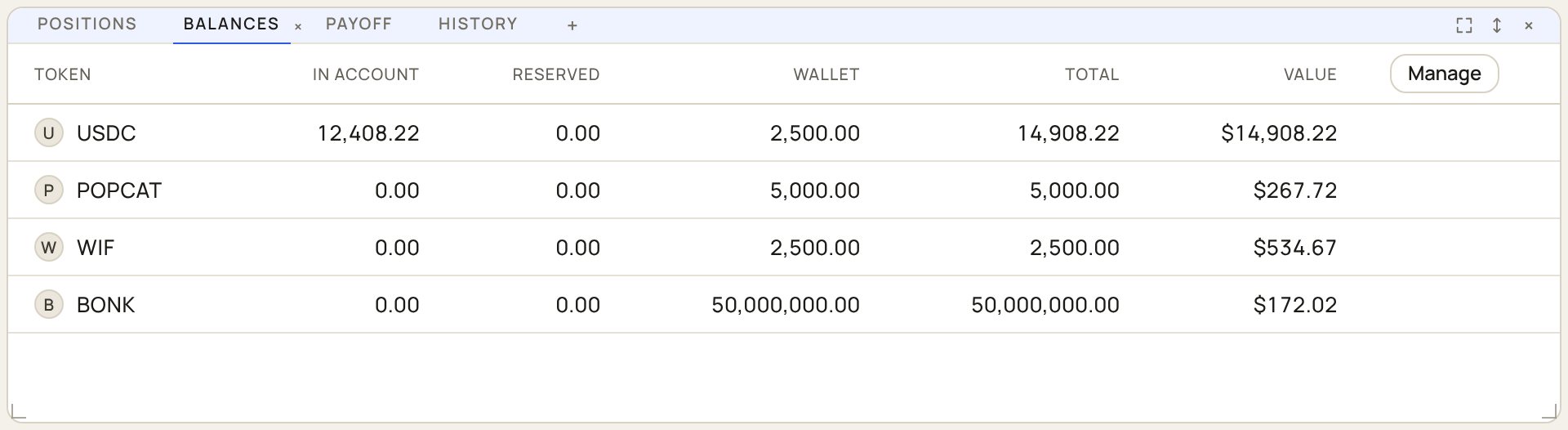
The balances tab under the chart shows each token in your trading account and your wallet, and what is reserved.